
When to use this
Normally the browser extension finds streams for you. The manual dialog is useful when:
- you found the playlist URL in the browser’s developer tools (Network tab, filter
m3u8ormpd), - a website or media server gives you a stream link directly (IPTV, conference recordings, your own media server),
- you need to add specific request headers.
Step by step
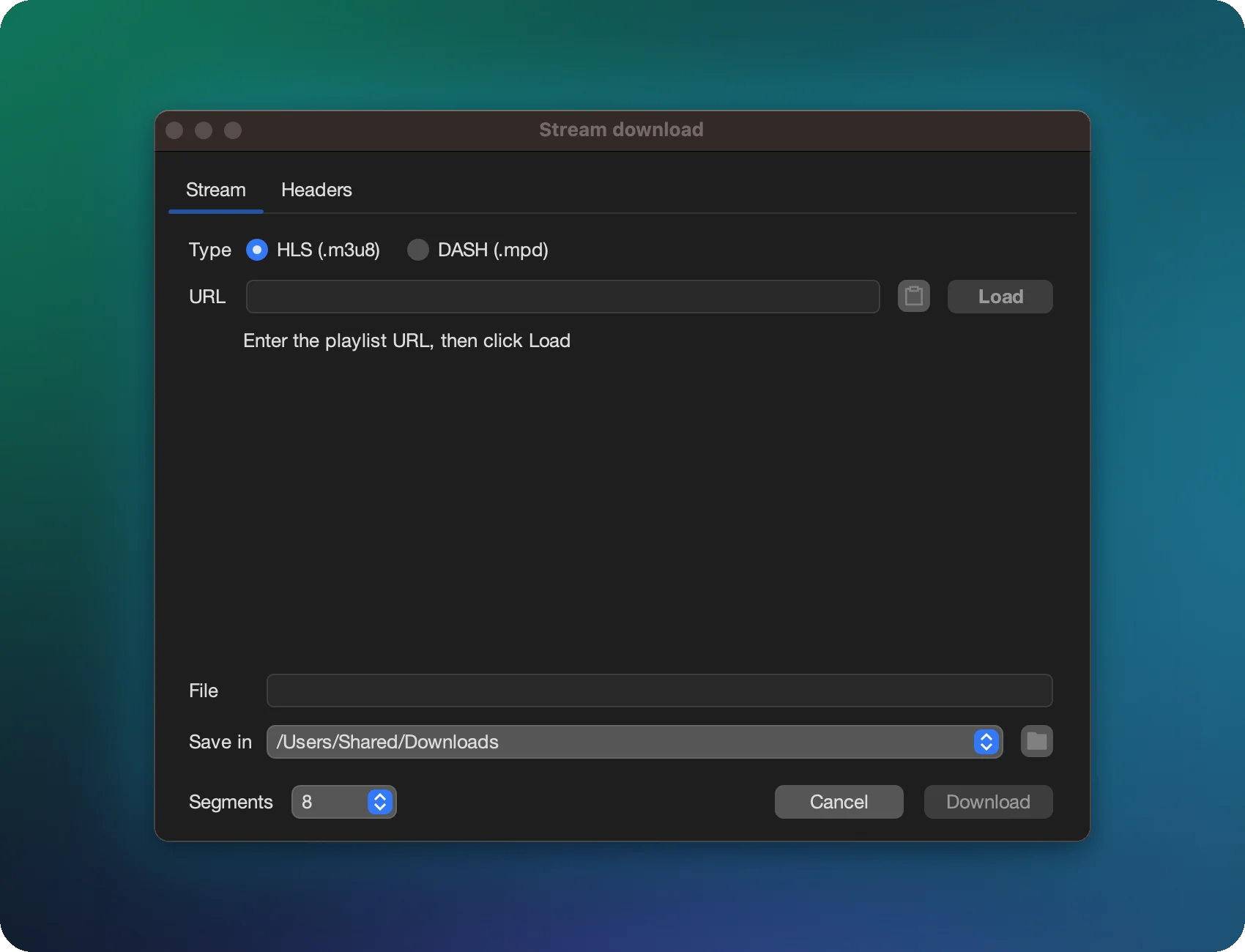
- In XDM, open the ☰ menu → HLS/DASH download. The Stream download window opens.
- Choose the Type: HLS (.m3u8) or DASH (.mpd).
- Paste the playlist URL and click Load.
- XDM reads the playlist and shows what it found, for example Master playlist · formats: 5 · audio tracks: 2.
- Pick a Format (resolution / bitrate) and an Audio track, set the file name and folder, and start the download.
Playlist types
| Status shown | Meaning |
|---|---|
| Master playlist | Several qualities and audio tracks to choose from. |
| Media playlist | One specific quality: a list of segments and the total duration. |
| DASH manifest | MPEG-DASH with formats and audio tracks. |
| Single file | The URL isn’t a playlist, so it’s downloaded as a regular file. |
Adding headers (cookies, Referer)
Many servers only serve segments to requests that look like they come from their player. Open the Headers tab and add what the site expects:
Referer: the address of the page with the player,Cookie: your session cookies, if the site needs a login,User-Agent: occasionally required.
Paste from clipboard accepts headers copied from the browser’s developer tools
(one Name: value per line). The headers are sent with the playlist request and every segment.
Encrypted streams
HLS streams encrypted with AES-128 are decrypted automatically, provided the key can be fetched with the same headers. DRM-protected streams (Widevine, FairPlay, PlayReady) cannot be downloaded.