
Before you start
- Windows 10 or 11, 64-bit (x64) or ARM64. XDM 9 ships separate installers for each. Pick
x64unless you have an ARM laptop (Snapdragon / Copilot+ PC). - A little disk space for the app itself, plus room for your downloads.
- XDM bundles its own Java runtime. You don’t need to install Java.
Install step by step
- Download the installer from the download page. The file is an
.msipackage. - Run it. Double-click the downloaded file. Windows asks for administrator permission because
XDM installs for all users into
Program Files. - If Microsoft Defender SmartScreen appears (“Windows protected your PC”), click More info → Run anyway. XDM is free, open-source software without a paid code-signing certificate, so SmartScreen doesn't recognise it yet.
- Finish the wizard and launch XDM from the Start menu.
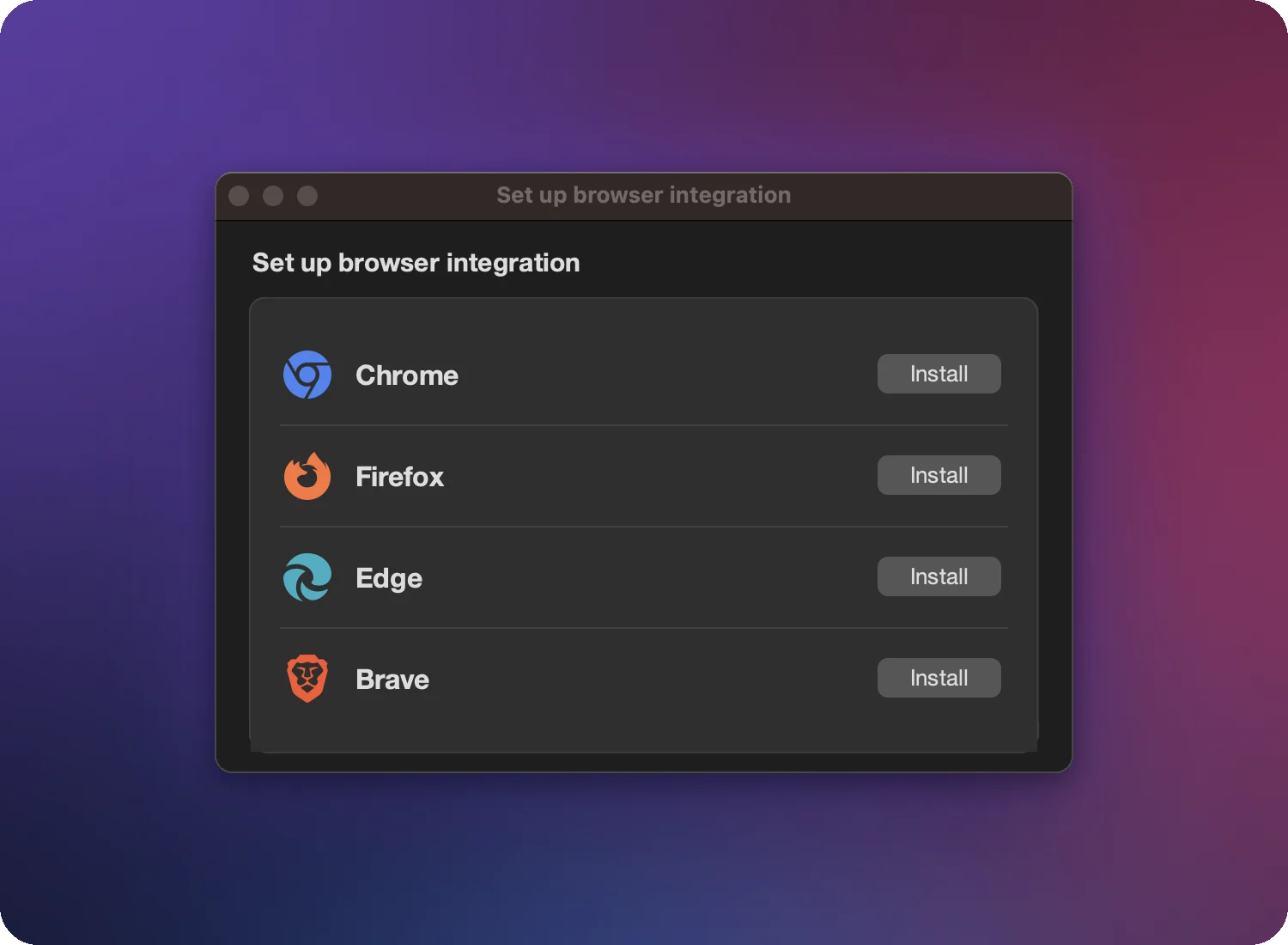
- Connect your browser. On first start XDM shows Set up browser integration. Click Install next to your browser. See the extension guide.
Install from the Microsoft Store (XDM 8)
XDM 8 is also on the Microsoft Store. The Store installs it without the SmartScreen prompt and keeps it updated automatically. Use either the Store or the MSI, not both.
Install for your user only (no admin rights)
If you can’t get administrator rights, install per user from a command prompt in the folder that contains the installer:
msiexec /i xdm-<version>-x64.msi MSIINSTALLPERUSER=1
The app then lives in your user profile and no UAC prompt appears.
Upgrading from XDM 8
The XDM 9 installer replaces an MSI-installed XDM 8 automatically, so you end up with one XDM. If you installed XDM 8 from the Microsoft Store, uninstall it first, because both versions use the same browser connection and can’t run side by side. More in Update and migrate.
Start with Windows
XDM can launch in the background when you sign in, so browser downloads are captured right away. Turn it on or off in Settings → Advanced → Launch at login.
Uninstall
Open Settings → Apps → Installed apps, find Xtreme Download Manager and choose
Uninstall. Your settings and download list in %USERPROFILE%\.xdm-app are kept
in case you reinstall. Delete that folder for a clean removal.
Download XDM only from this site or GitHub
XDM is free. Copies on third-party download portals are sometimes bundled with adware. Use the official download page or the GitHub releases.